What is Tiger?
Tiger is a free, open source desktop API client. It does what Postman, Insomnia and Bruno do - build, send and organize HTTP requests - but it stores everything as plain-text files in your own Git repository and runs entirely on your machine.
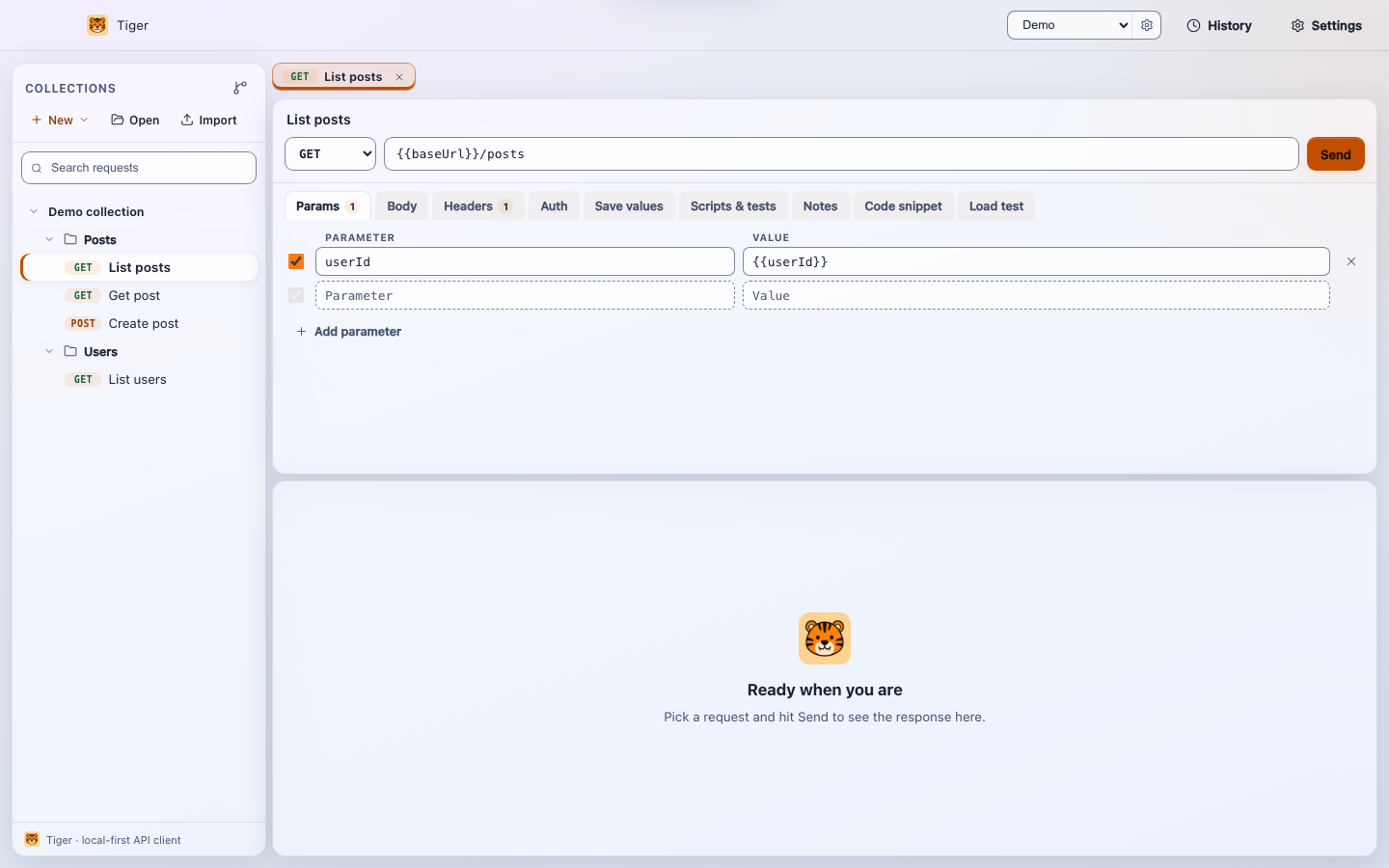
The idea
Most API clients keep your collections in a proprietary cloud behind an account. Tiger
keeps them as readable .tiger files in a folder you own. That folder is a
normal Git repository, so your requests get versioned, branched, diffed and reviewed
like any other code your team writes.
There is no backend, no sync service and no sign-in. Requests, tokens and responses never leave your computer.
Because a collection is just a folder of text files, you can commit it, open a pull request against it, and resolve merge conflicts in your normal editor.
What you get
- Requests & collections - organize requests into folders, with headers, query params, bodies and auth.
- Environments & variables - swap base URLs and secrets with
{{variable}}interpolation. - Scripting & chaining - pre/post scripts and response captures pass values from one request to the next.
- A collection runner - run a whole folder and see pass/fail verdicts.
- Importing - bring collections from Postman, Insomnia, Bruno, OpenAPI, WSDL/SOAP or a curl command.
- A built-in MCP server - expose your saved requests as tools that AI assistants can call.
Who it's for
Tiger fits developers and teams who want their API definitions to live in version control, who care about keeping request data on their own infrastructure, and who would rather not manage seats and accounts. It runs natively on macOS, Windows and Linux.
Next steps
- Install Tiger on your platform.
- Send your first request.
- Learn about the .tiger format that makes it all git-native.