The free, open source API client that lives in Git
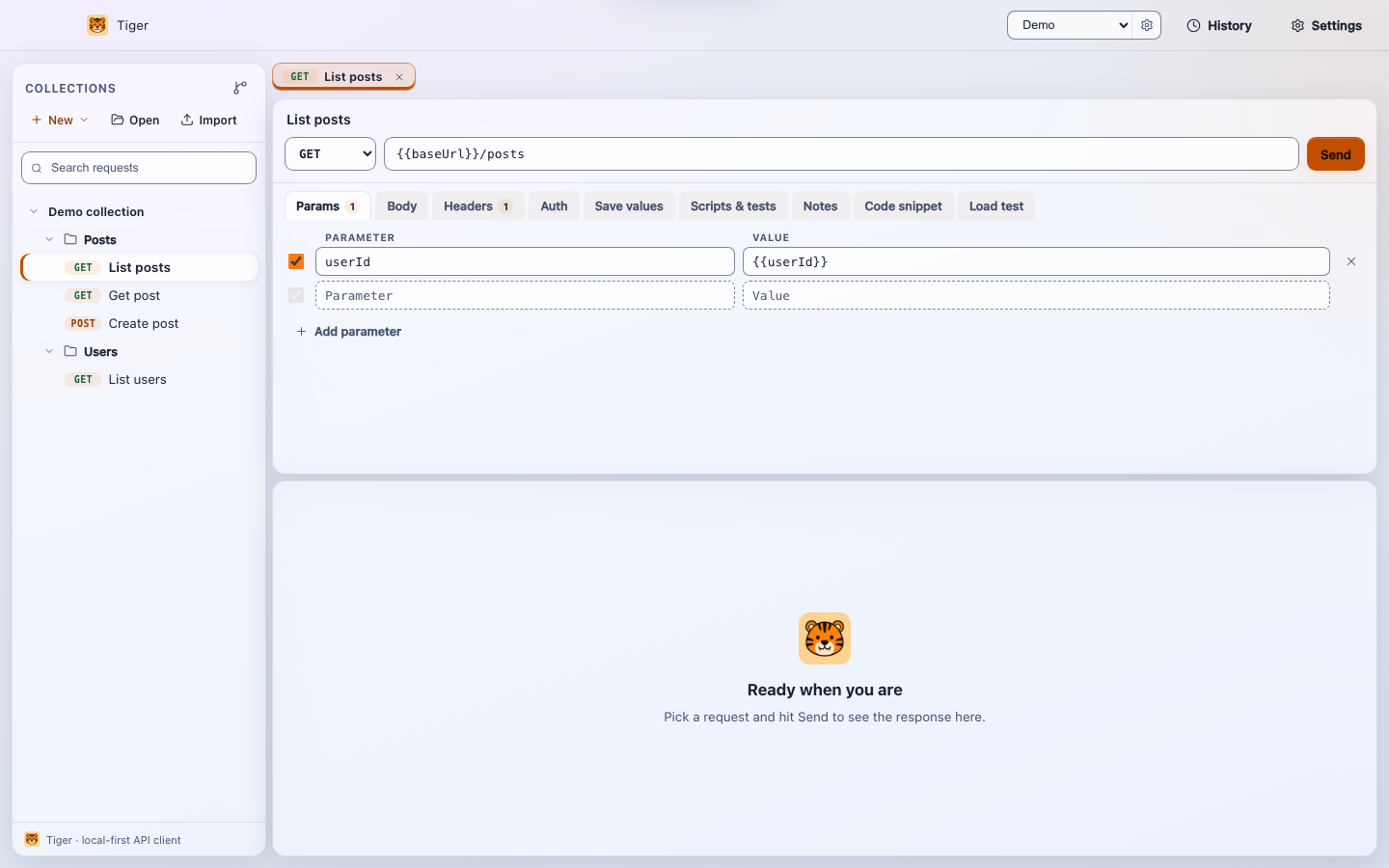
Tiger is a git-native API client for macOS, Windows and Linux, and a local-first
alternative to Postman, Insomnia and Bruno. Your collections are plain-text
.tiger files in your own Git repo, every request runs on your machine,
and a built-in MCP server lets AI assistants such as Claude and Cursor run your saved
requests. No account, no cloud, no lock-in.
No install: Windows portable (zip) · Windows Setup exe · macOS zip · Linux tar.gz
Version 0.7.0 · All downloads · Install guide
Why Tiger
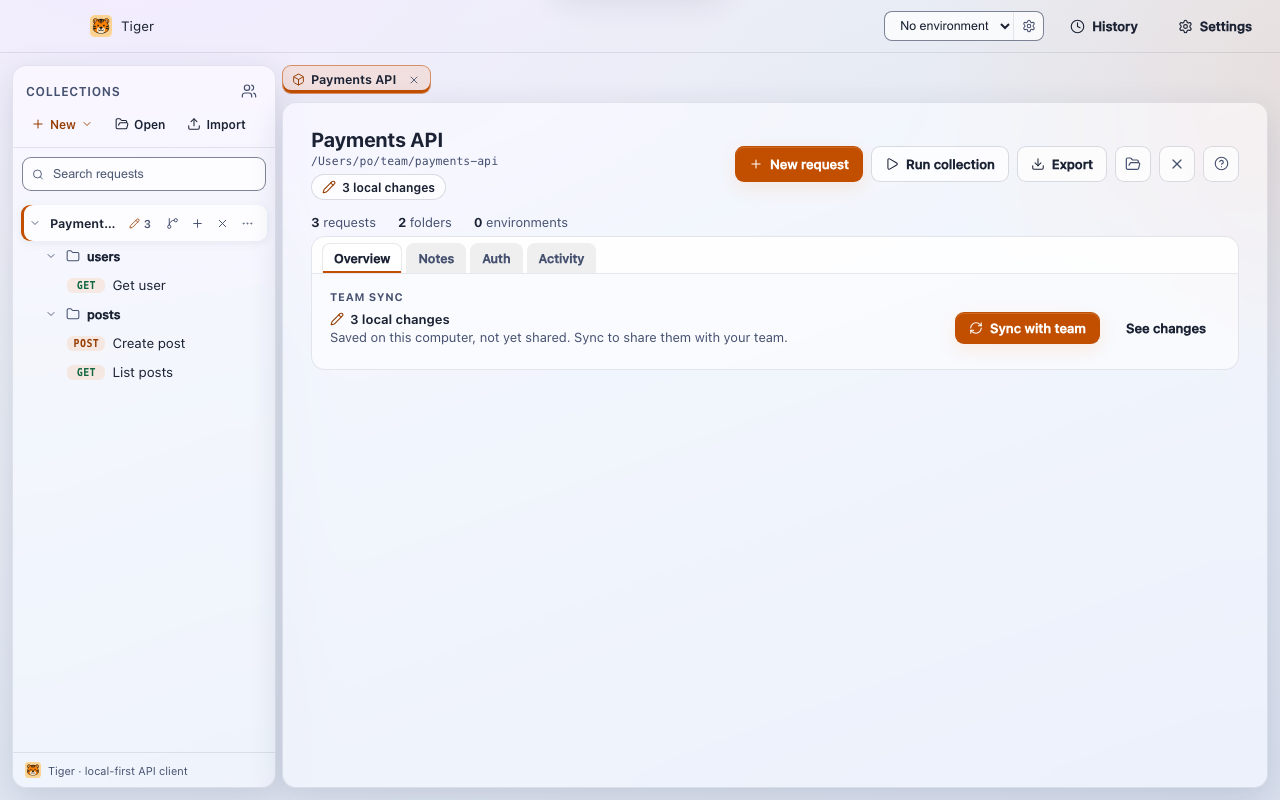
- Git-native. Collections are human-readable text files. Diff them, branch them, review them in a pull request.
- Local-first and offline. No backend and no sync service. Requests, tokens and responses stay on your machine.
- No account. Download and go. Free for personal and commercial use under the MIT license.
- Built for AI. The bundled MCP server exposes your saved requests as tools any MCP client can call.
- Broad import support. Bring collections over from Postman, Insomnia, Bruno, OpenAPI, WSDL/SOAP or a curl command.
- Cross-platform. Native desktop builds for macOS, Windows and Linux.
- Speaks your language. English, 中文 (Simplified Chinese), हिन्दी (Hindi), Español, Français and العربية (Arabic, right to left). Tiger starts in your system language and switches live from Settings.
What is in Tiger 0.7.0
- Save values to pass a response value into the next request, and Scripts & tests with pre-request and post-response JavaScript.
- Collection runner and Load test for pass/fail runs and p50/p95 timings.
- Team sync to share a collection through Git with one Sync with team button.
- AI assistants (MCP) so Claude, Cursor and other MCP clients can list and run your requests.
- Requests and auth including OAuth 2.0, GraphQL, multipart, proxies and client certificates (mTLS).
- Environments and secrets with masked secret variables.
Download Tiger
Free, no sign-up. Every build is on GitHub Releases.
- Windows: Microsoft Store (recommended): signed by Microsoft, no warning, updates itself. No-install / advanced: Setup installer, portable EXE or portable zip (on first run click More info, then Run anyway).
- macOS: Apple Silicon or Intel DMG, signed and notarized.
- Linux: AppImage or .deb for Debian and Ubuntu.
The Windows build may show a SmartScreen "unknown publisher" prompt on first run; here is how to click through it.
Switching from Postman, Insomnia or Bruno
Export from your current tool and import the file into Tiger. Folders, requests, variables and auth carry over, and the result is a folder you can commit.
- Importing collections: Postman, Insomnia, Bruno, OpenAPI, WSDL/SOAP and curl.
- Postman to Tiger migration guide.
- A free Postman alternative and the full comparison with Bruno, Insomnia and Hoppscotch.